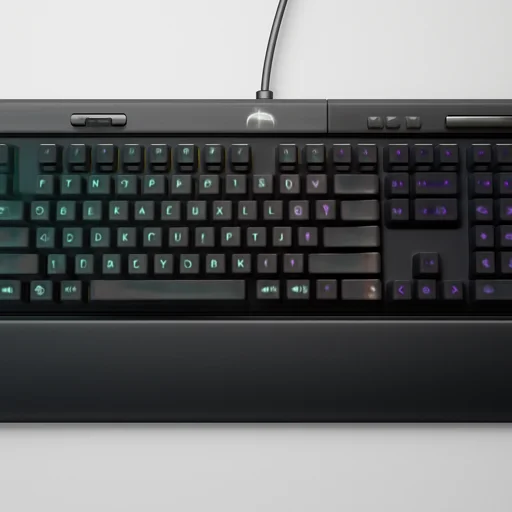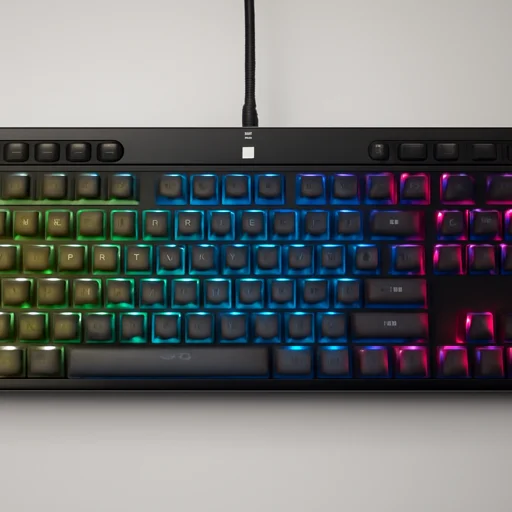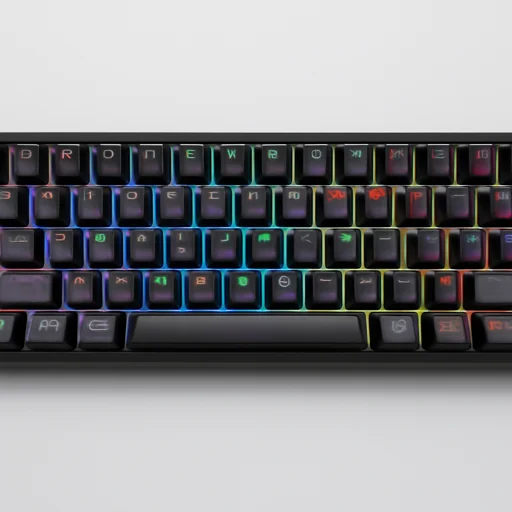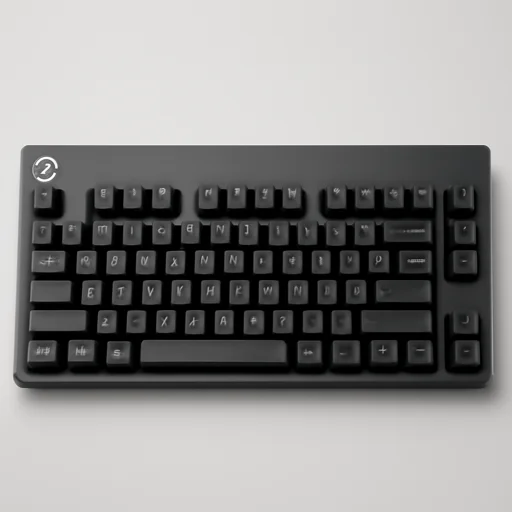
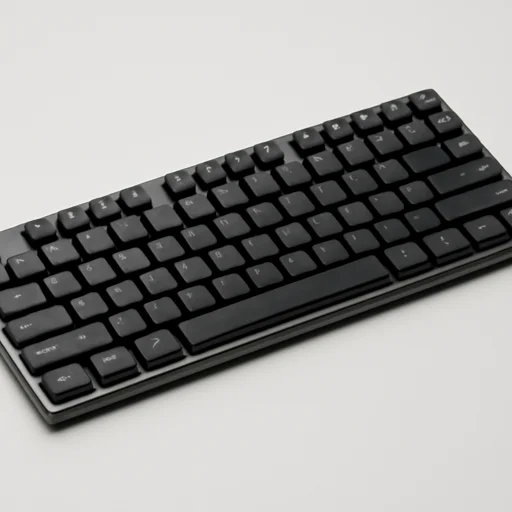
- Slim aluminum build
- Genuine Cherry MX LP switches
- Compact TKL portability
Benched against 47 other mechanical keyboards · 46 hours logged
The Cooler Master SK650 is a solid choice for users wanting a compact, low-profile mechanical keyboard with genuine Cherry MX switches and a sleek aluminum build. While it lacks some extras like a wrist rest or USB passthrough, its typing feel, RGB lighting, and portability make it a strong contender in the TKL mechanical keyboard space.
Specifications
Manufacturer & bench dataWhat you actually get
7 points- 01Tenkeyless (TKL) compact layout
- 02Cherry MX Low Profile mechanical switches
- 03Aluminum top plate construction
- 04Per-key RGB backlighting
- 05On-the-fly media controls via Fn layer
- 06Detachable braided USB-C cable
- 07Cooler Master Portal software support
Pros & cons
After 46 hoursWhat works
6- Slim, low-profile design saves desk space
- Sturdy aluminum frame feels premium
- Satisfying tactile feedback from Cherry MX LP switches
- Bright, customizable per-key RGB lighting
- TKL form factor great for portability
- USB-C detachable cable is convenient for travel
What doesn’t
5- No dedicated media keys, only Fn shortcuts
- No wrist rest included
- Software (Portal) can feel clunky at times
- Limited switch options compared to full-size MX lineup
- No USB passthrough port
The full bench notes
Cooler Master · TKLThe Cooler Master SK650 is a tenkeyless mechanical keyboard built around a low-profile design philosophy that sets it apart from the bulkier boards typical of the category. Rather than relying on standard mechanical switches, Cooler Master partnered with Cherry to develop MX Low Profile switches specifically for this board, offering either Red or Speed Silver variants that deliver the tactile satisfaction of mechanical actuation in a slimmer housing. This reduced height doesn't just affect aesthetics; it changes the entire typing experience, requiring less finger travel per keystroke while still preserving the reliability and lifespan Cherry switches are known for. The aluminum top plate gives the SK650 a sturdy, premium feel that resists flex even under aggressive typing or gaming sessions.
Aesthetically, the SK650 embraces a minimalist, brushed metal look with a floating keycap design that exposes the switches beneath, creating a modern silhouette that appeals to users who want their desk setup to look clean and understated rather than flashy. The per-key RGB backlighting adds a layer of customization without compromising that restrained design language, and the lighting can be controlled through Cooler Master's software suite or via onboard controls for quick adjustments without needing a companion app running at all times. The compact tenkeyless layout removes the numpad, freeing up desk space and allowing for a more natural mouse position, which is particularly appealing to gamers who prioritize wider arm movement or professionals working in tighter workspace configurations.
Connectivity on the SK650 is handled through a detachable USB-C cable, a practical touch that makes cable management and replacement straightforward while also protecting the port from wear over time. The keyboard includes multimedia control keys and dedicated function row shortcuts for adjusting lighting effects, brightness, and profiles on the fly, catering to users who want quick access without digging through menus. Whether positioned as a gaming peripheral or a productivity tool, the SK650 targets users who want the tactile precision of mechanical switches combined with a slim, travel-friendly profile that doesn't sacrifice build quality, making it a distinctive entry in the growing low-profile mechanical keyboard segment.
Ready to put the Cooler Master SK650 TKL Low-Profile Mechanical Keyboard on your desk?
Cherry MX Low Profile (Red/Speed Silver) · Detachable USB-C to USB-A cable. Prices move around, so check the current listing before you commit.
Check price on AmazonAs an Amazon Associate we earn from qualifying purchases.